
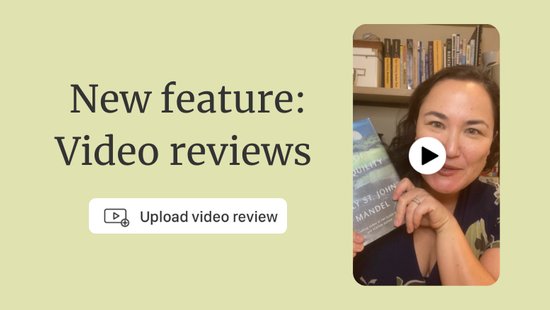
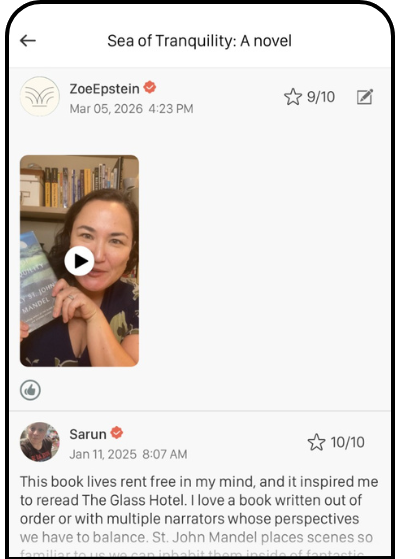
 We're excited to announce the newest feature on Bookclubs, video reviews! Now, with a Bookworm Plus membership, you can upload a video as part of your book review, bringing your thoughts, reflections and recommendations to life in a whole new way.
Anyone can view video reviews of a book you're interested on that book's page on the Bookclubs website or app. Whether you want to see a reader's face light up talking about a plot twist, or hear someone explain why a book just didn't land for them, video reviews add a richer, more personal dimension to our community.
We love seeing how passionate our readers are, and we can't wait to watch the conversations literally come alive.
How to Upload a Video Review
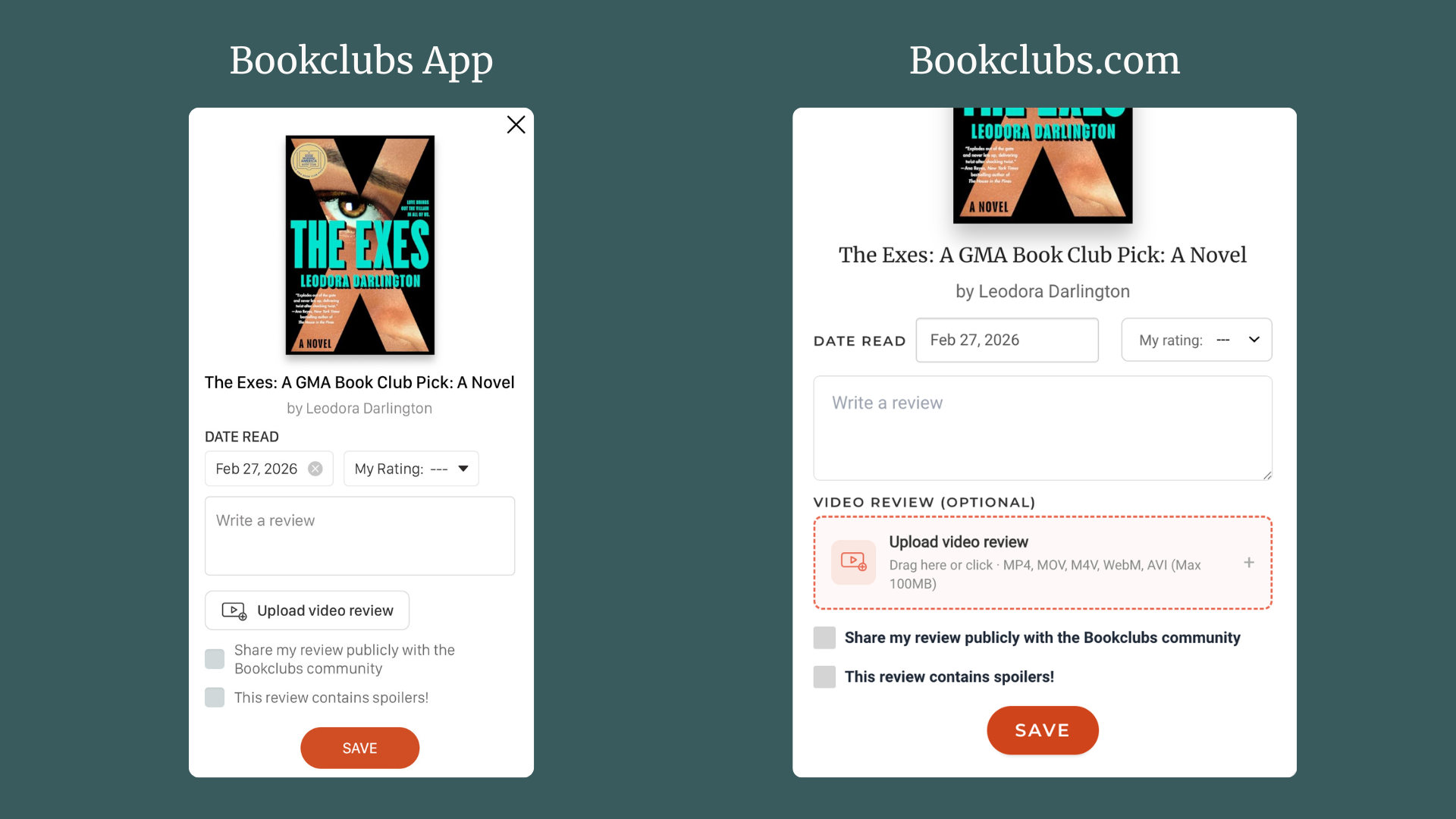
You can add a review for a book you're read either from your "Books I've Read" shelf (you'll be prompted to add a review when you add the book to your shelf, or you can click on "Write a review" after the fact) or from the page for the book you read (click on "Write a review"). Once you have the review dialogue box open, it's easy to upload your video:
- On the Bookclubs Website: You can either drag your video file into the space marked "Upload video review" or click on it to open up the file finder on your device.
- On the Bookclubs app: Clicking on "Upload video review" will open up your phone or tablet's video library. Select the video you want to add.
You'll see a still of the video file once it has uploaded to Bookclubs. Don't forget to hit "Save" to finish uploading your review.
Frequently Asked Questions
- Who can upload a video review? Any Bookclubs Bookworm subscriber can upload a video review. Please note that if you purchase a Bookclubber subscription for your club, you are automatically enrolled in Bookworm Pulitzer.
- What video file formats can I upload? .MOV, .MP4, .MV4, .WEBM or .AVI file types are all supported.
- Is there a maximum file size? You can upload files up to 100MB large. If your video is too large to upload, you can resize it using an online video compressor.
- What if I see inappropriate material in a video review? Please help us keep Bookclubs a safe and welcoming community. If you spot a video that violates our community guidelines, flag it using the flag icon next to the review.