
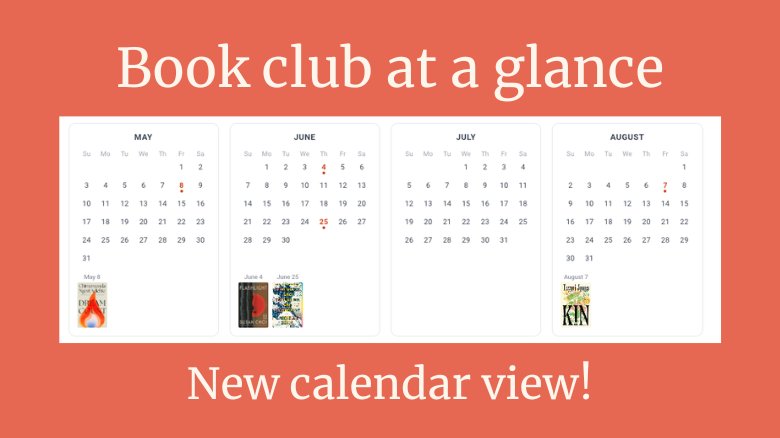
One of the most common requests we hear from book clubs with busy schedules: an easier way to see the whole reading year at once. You can browse meetings in your club's meetings page, but there's a lot of info to sort through. It can be hard to spot conflicts, plan ahead, or get a real sense of what's coming up. So we built something better.
We're thrilled to introduce the Annual Meeting Calendar, a beautiful, year-at-a-glance view of your book club's reading schedule, complete with book covers.
Your reading year, visualized
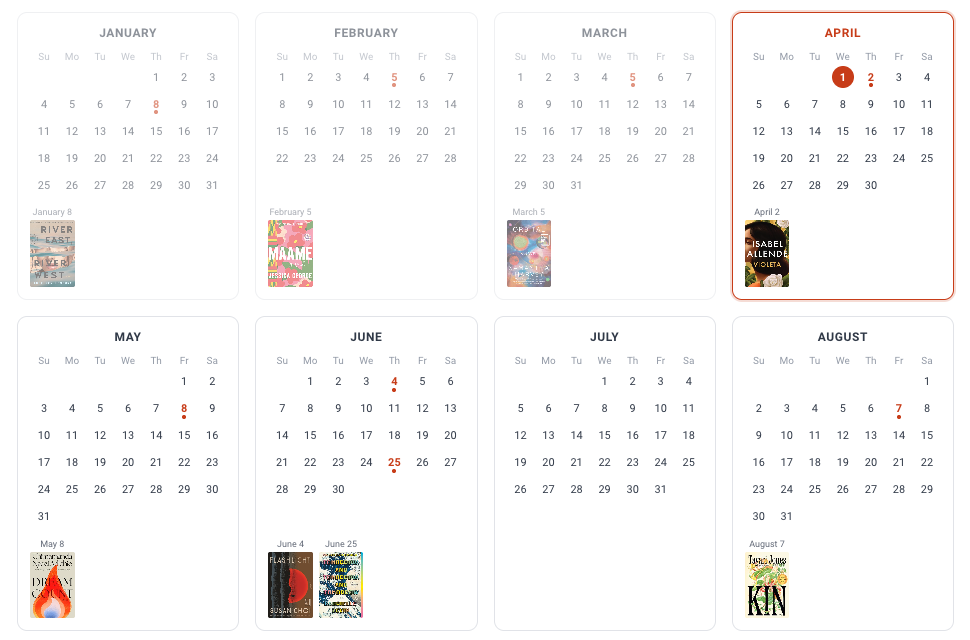
The Annual Meeting Calendar shows all 12 months at once, with your scheduled meeting dates highlighted on each mini-calendar grid. Below each month, you'll see the cover art for that month's book (or books, for clubs that read more than one). It's a visual snapshot of your club's entire year.
You can navigate between years, too, so it's just as easy to look back at what your club has read as it is to look ahead at what's coming up.
A few things to know:
- Click any meeting date or book cover to jump straight to that meeting's detail page
- Multiple meetings in a month are displayed together, each with their own book cover(s)
- Meetings without a book selected yet still appear on the calendar. The date is highlighted so you know something's coming, even if the reading pick hasn't been announced
How to find it
Head to your book club's Meetings page and look for the Calendar View button. One tap and you're in.
The calendar is available on both the Bookclubs website and mobile app.
Open your club's Meetings page and take a look. 📚
Not a Bookclubs member yet? Join Bookclubs and find or start a book club today.
COMMENTS
Valerie Ruiz
Apr 02, 2026 - 1 year
Amazing update, thank you Zoe & the Bookclubs team!