
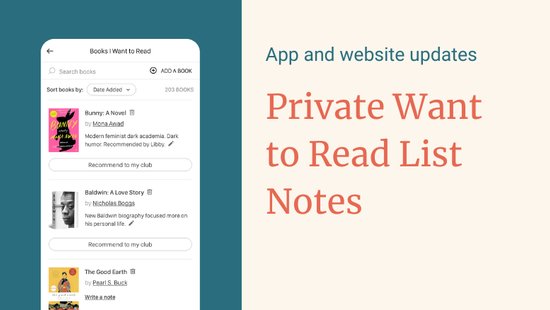
We've all been there. You're scrolling through your "Books I Want to Read" shelf, and you see a title that catches your eye. Why did I add this one? Was it recommended by a friend? Did I hear about it on a podcast? See someone singing its praises in a BookTok post? Was it that intriguing review I read three months ago?
We're excited to announce a new feature that solves this problem: Private Notes for your reading list.
Remember the Story Behind Every Book
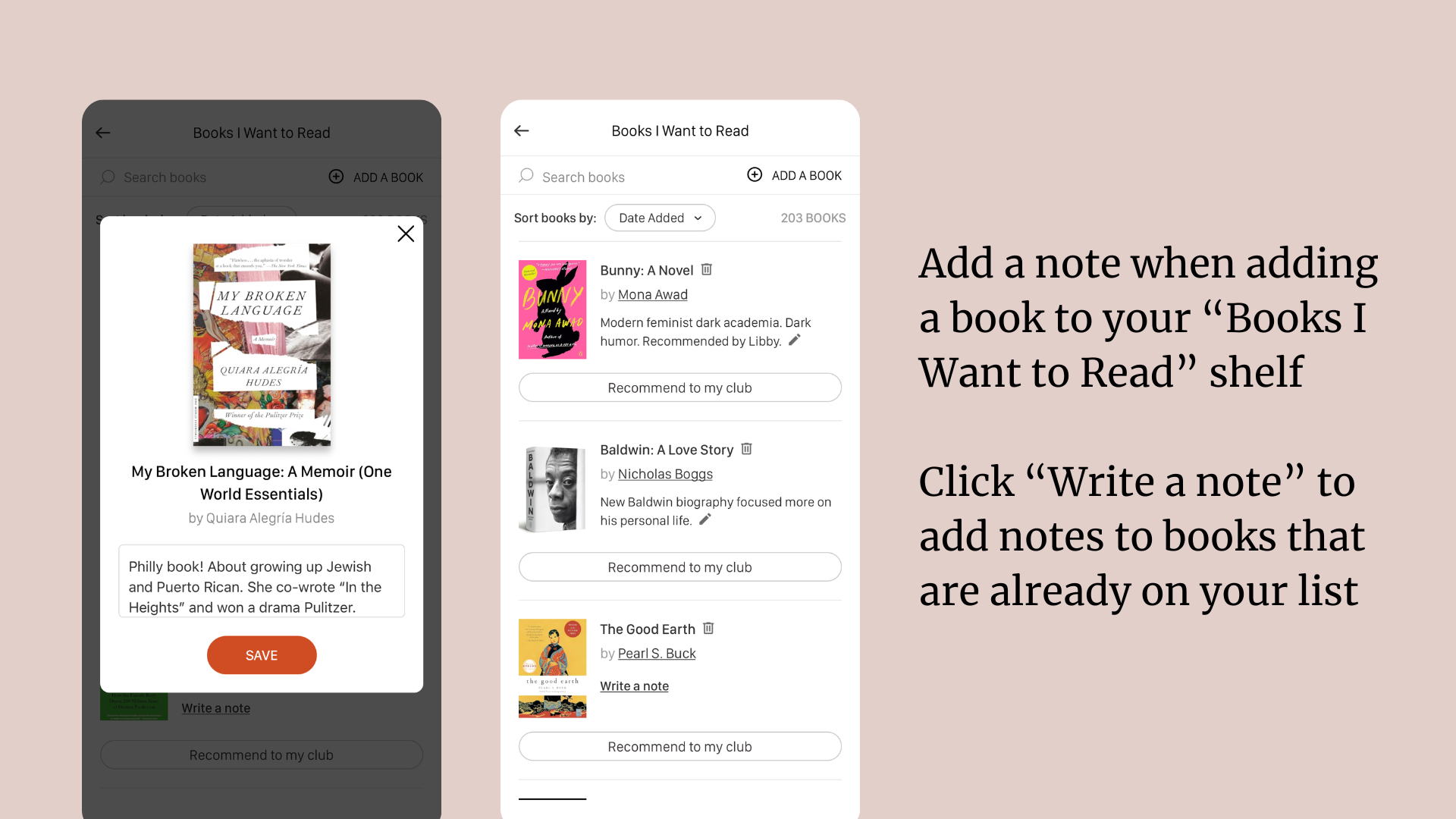
Now, when you add a book to your "Books I Want to Read" shelf, you can include a quick private note about why it caught your attention. Jot down whatever will help job your memory. Add a link if that helps. These notes are just for you; a personal reminder that brings context back when you're ready to choose your next read.
Here's what makes it useful:
- Capture the source of the recommendation: "Lauren recommended this at book club" or "Saw the author's interview on Service95"
- Track your interests: "Want to read more about the Roman Empire" or "Been curious about this author since finishing their last book"
- Remember specific details: "The one with the family with the seed bank in Antarctica" or "Has that twist ending everyone's talking about"
- Set reading intentions: "For beach vacation" or "Winter reading project"
How It Works
Adding a note is simple. When you click "Want to Read" on any book page, you'll see a new optional text field where you can jot down your reason. Already have books on your list? No problem—you can add notes to existing titles anytime by visiting your shelf and clicking "Write a note."
Your notes are completely private and visible only to you. They'll appear right beneath the book title when you're browsing your reading list, making it easy to decide what to pick up next.
Start Adding Notes Today
This feature is live now for all BookClubs users. Head to your "Books I Want to Read" shelf and start adding context to your future reads. We hope you'll find it makes choosing your next book feel less like guesswork.
Happy reading!